


Word Packs
Grade-based and themed spelling packs that give children structured practice.
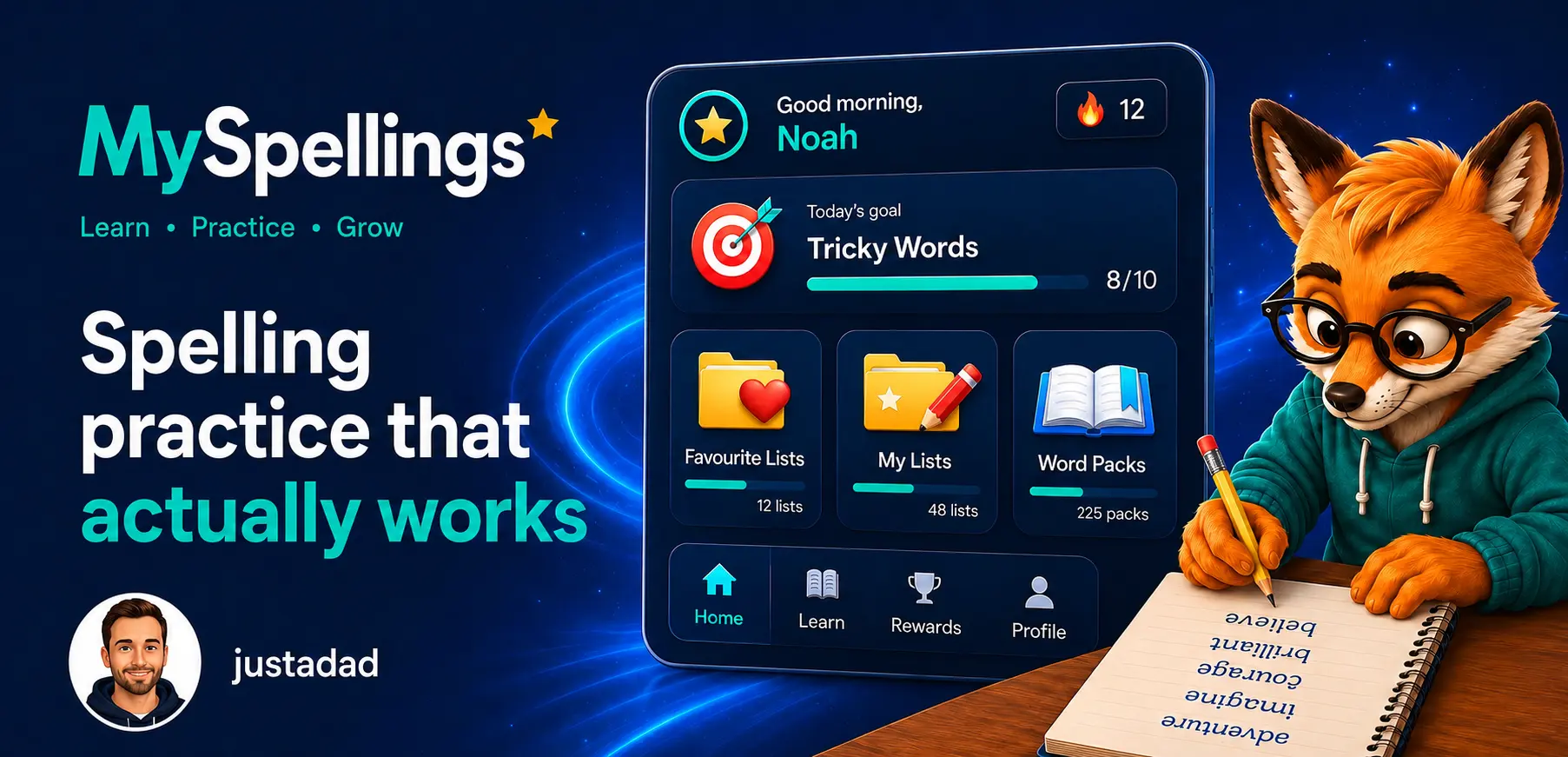
A simple spelling app for homework, tricky words and regular practice at home. Built by a dad for his son.
Download on Google Play ↓

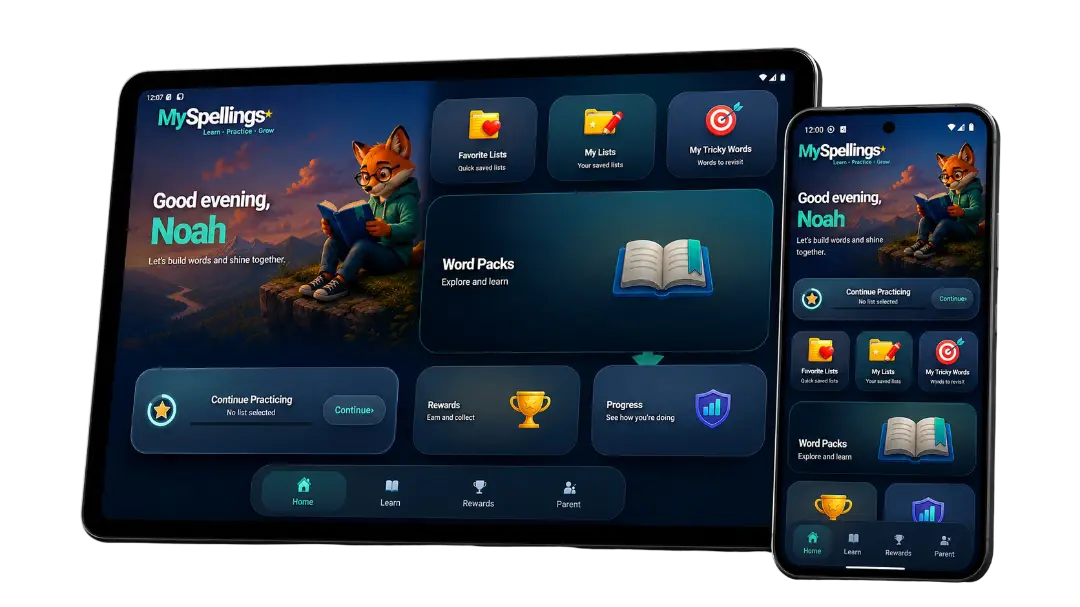

Grade-based and themed spelling packs that give children structured practice.

Extra practice for the words children find hardest, so weak spots do not get ignored.

Stars and stickers keep practice encouraging without turning the app into chaos.
See improvement over time and support children as their confidence grows.
Manage multiple child profiles, add exact school lists and check progress without accounts or setup fuss.
Use it anywhere — at home, on vacation, or on the go.
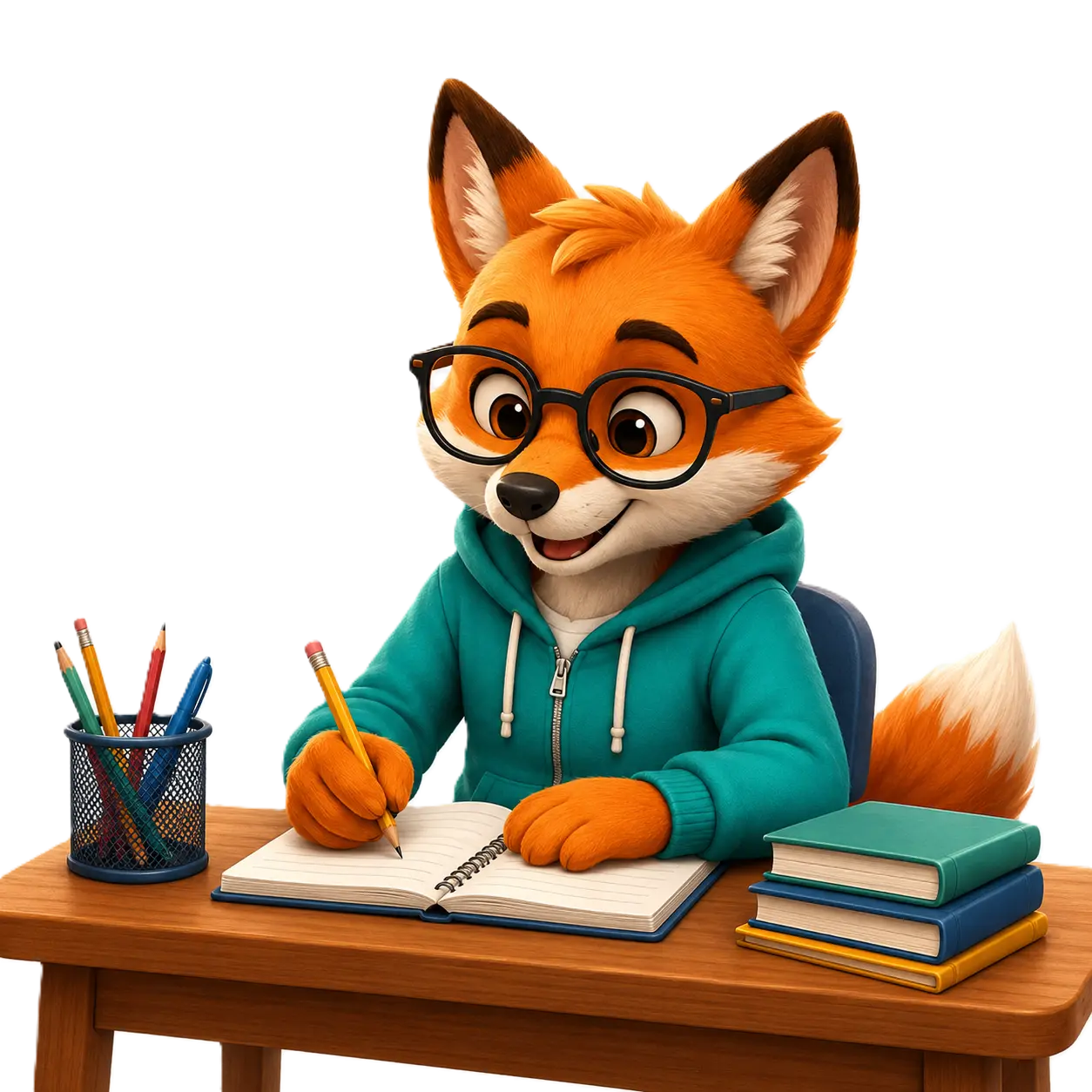
Choose a grade, season and week to download a ready-made spelling worksheet, or create one using your own school spelling words.
Pick a ready-made pack or add the exact words sent home from school, practice in stages, and track progress through the year.
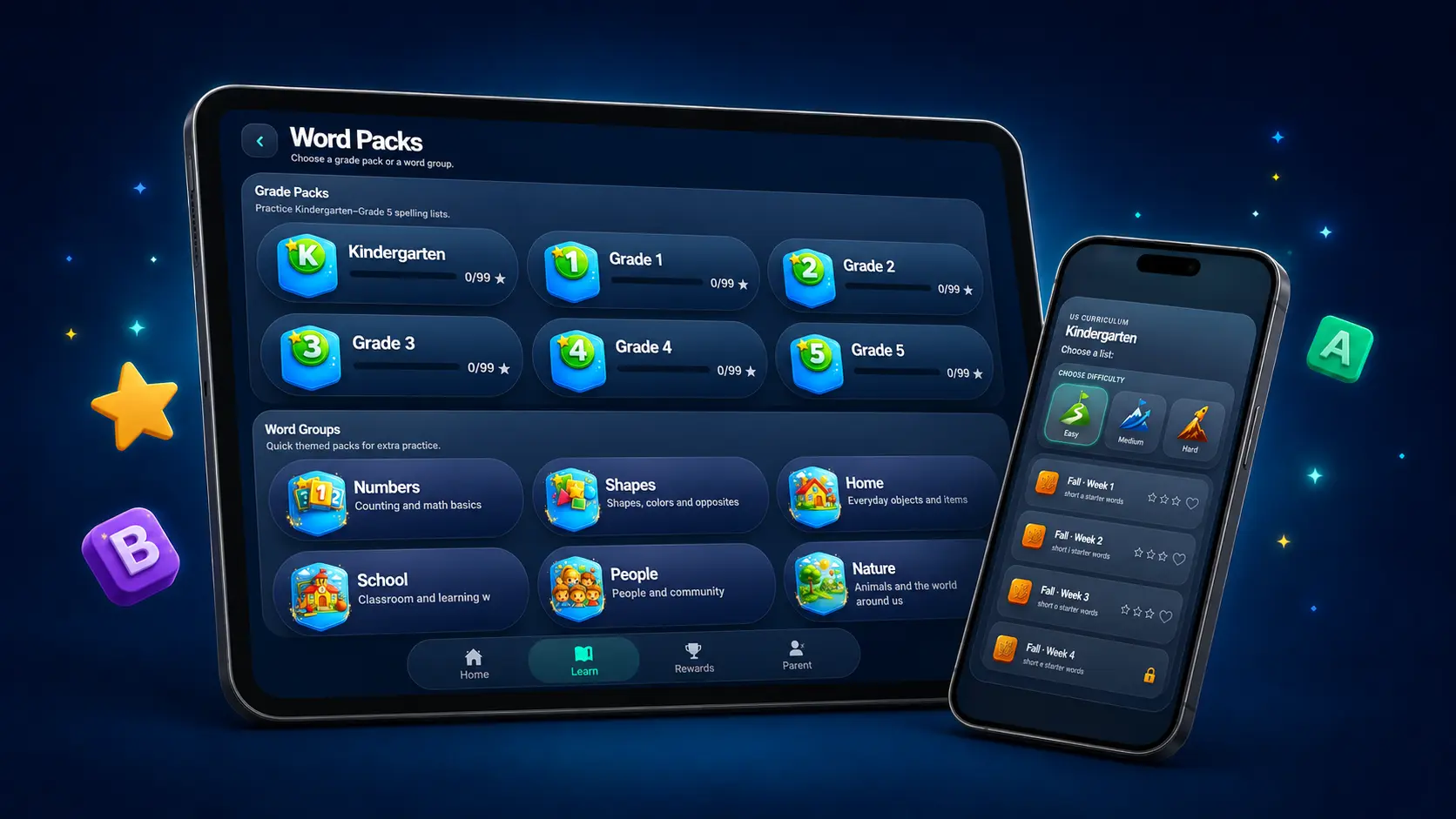
Use Kindergarten–Grade 5 packs and themed word groups, or create the exact spelling list your child has been given.
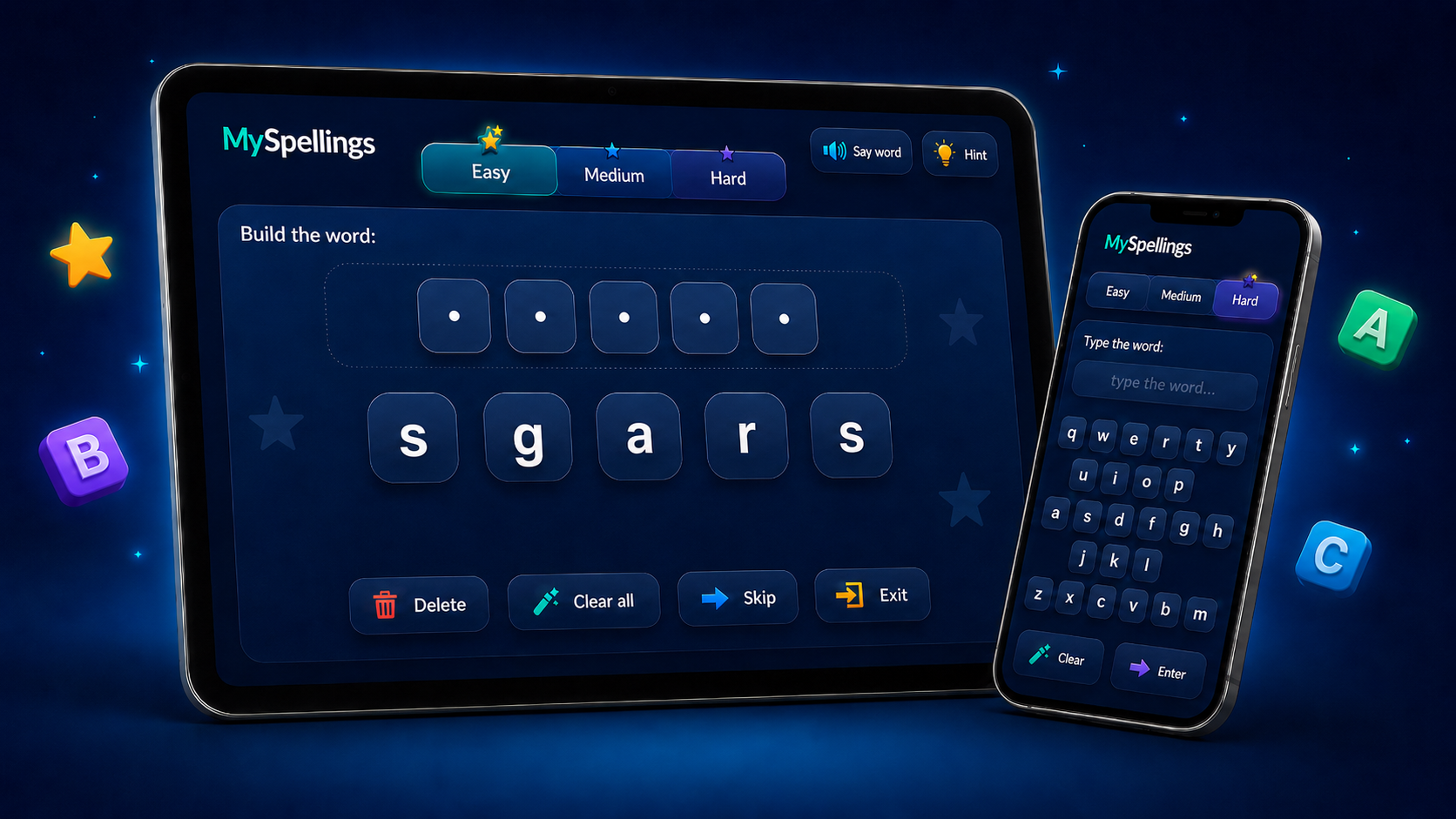
Start with support, then scale up from building words to typing them independently.
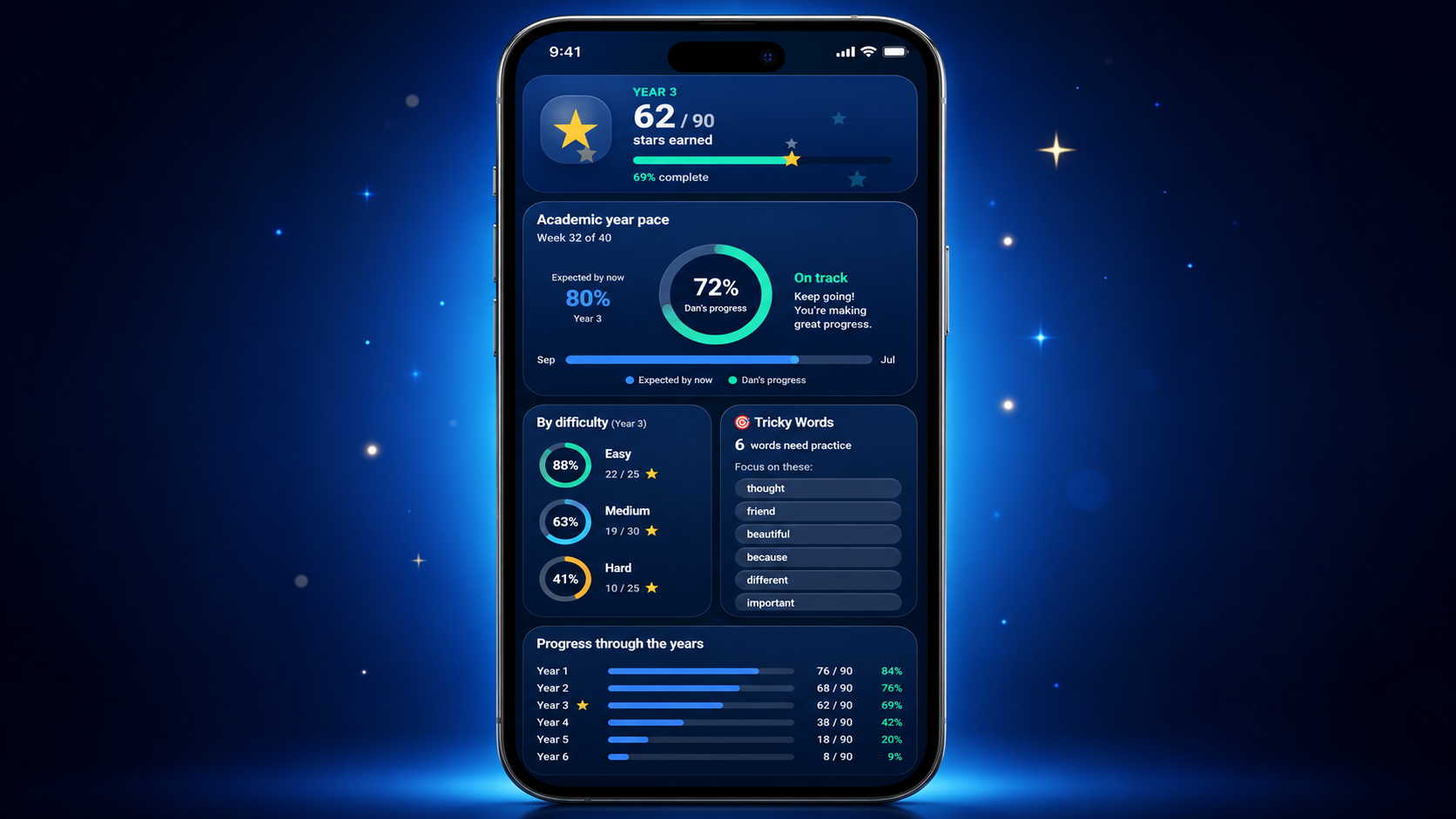
See stars, tricky words, difficulty progress and how learning is moving through the school year.
Built to feel modern, safe and effective — without the usual app clutter, ads or distractions that get in the way of real learning.
Type a list yourself or use Photo Lists to turn a printed spelling sheet into an editable practice list.
Designed for elementary learners with ready-made packs that build sensibly across the school year.
No ads, no tracking and no account setup — just focused learning in a clean space.

Created from the reality of helping his own son practice spelling at home.

Encouraging, repeatable spelling practice helps children feel more capable and independent.
MySpellings was created to give children a better way to practice spelling words — one that feels clear, structured and genuinely helpful, rather than noisy or overcomplicated.
It is ideal for weekly spelling homework, extra support at home, and regular practice that helps spelling skills stick over time.
Download MySpellings and give children a better way to practice spelling words — at home, on the go, and without distractions.